3D animation is unavailable on this device.
Simulate the body.
Explore how cells change.
Build a research baseline, explore documented biological models, and compare possible cell changes over time.
View the present. Explore the past.
View the present. Explore the future.
See a currently affected cell among moving surrounding cells, then follow an illustrated earlier pathway from a source region to that cell. The demo also explores possible future changes and keeps a traceable example record.
Affected cells
3D animation is unavailable on this device.
Simulate biological processes to explore how cells could change under different conditions—and examine possible pathways leading to those changes.
View more →






Begin with the body.
Explore what could change.
The sandbox starts with a baseline biological state and explores alternative trajectories under explicit assumptions. Follow a cell through modeled time to examine a change in its DNA and the questions it raises. The animation illustrates synthetic cell events.
DNA change detected
Example event: a single-base substitution.
Sequence: A → G
Compartment: cell nucleus
Next step: compare lineage history.
Hypothetical event, not patient data or a disease prediction.
Days
Weeks
Months
Years
Build a baseline
Define the starting state, selected biological processes, parameters, and limits of a narrow model.
Branch into futures
Run reproducible ensembles to explore different modeled events over a chosen time horizon.
Follow the change
Track a flagged cellular lineage backward through its simulated history to examine preceding transitions.
Ask a better question
Compare counterfactual scenarios and identify hypotheses that deserve independent experimental research.
One starting body.
Many possible cases.
Start with a person’s information. Explore different conditions, follow possible cell changes, and save cases that need review.
One starting cell. Three possible cases: the top cell stays unchanged; the middle cell changes and recovers; the bottom cell keeps its change and turns red for review. The engine explores cases from a person’s starting information over five years. This is an illustration of the workflow.
How cells are produced
Explore how real cells divide, how digital cells represent them, and how published evidence helps interpret DNA changes.
The future properties can break the past
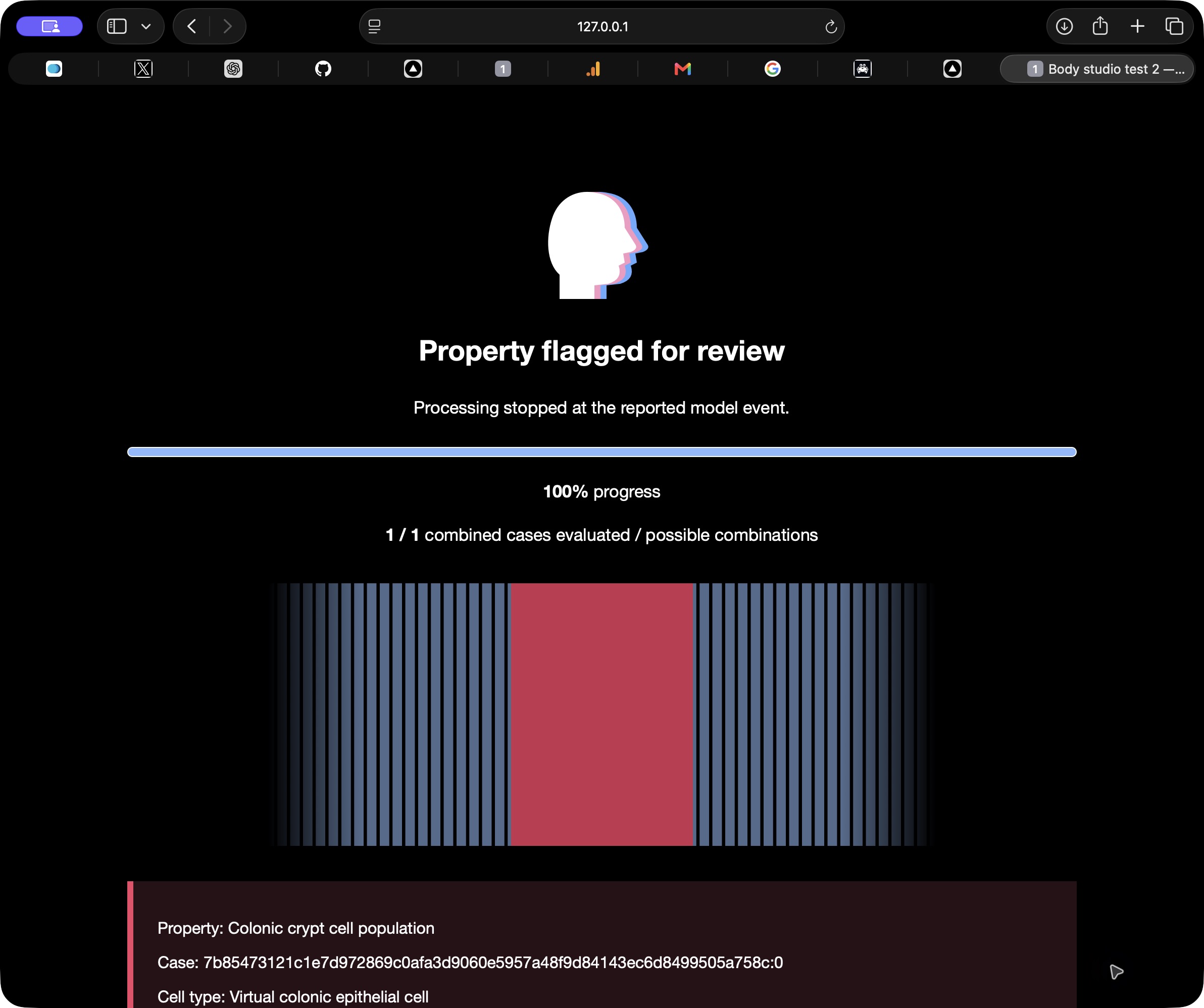
Begin with a known cell-change record. Explore possible future pathways from candidate starting properties, then compare their outcomes with that record. A matching pathway offers a possible explanation of how the given state could arise.
White, pink and blue loops represent alternative cases. A red point marks a match: movement stops, the loops turn red, and the model record opens.
View the reference record →Exploring candidate cases0 / 3 compared
Three synthetic pathways · one reference state
Case analysis
- Reference
- Starting property
- 0.20 · dimensionless index
- Matched pathway
- Final property
- Model event rule
- Index ≥ 0.80 → flag 1
- Mismatch score
Every synthetic transition
| Case | Final index | Absolute mismatch |
|---|
The score compares one invented property among three predefined cases. Other histories can fit the same value. No DNA measurement or biological causal test is performed.
Open the reference calculation log →Latest research records
Research Forum
Share research questions, discuss biological models, and connect with other members. Read public discussions freely; sign in to post, reply, or send private messages.
Our mission
Start with your measurements, explore possible changes, and keep the results for review. Build understanding one model at a time.
Explore the processThe three-component plan
- Collect · Build the digital body. Create a starting database from the person’s measurements.
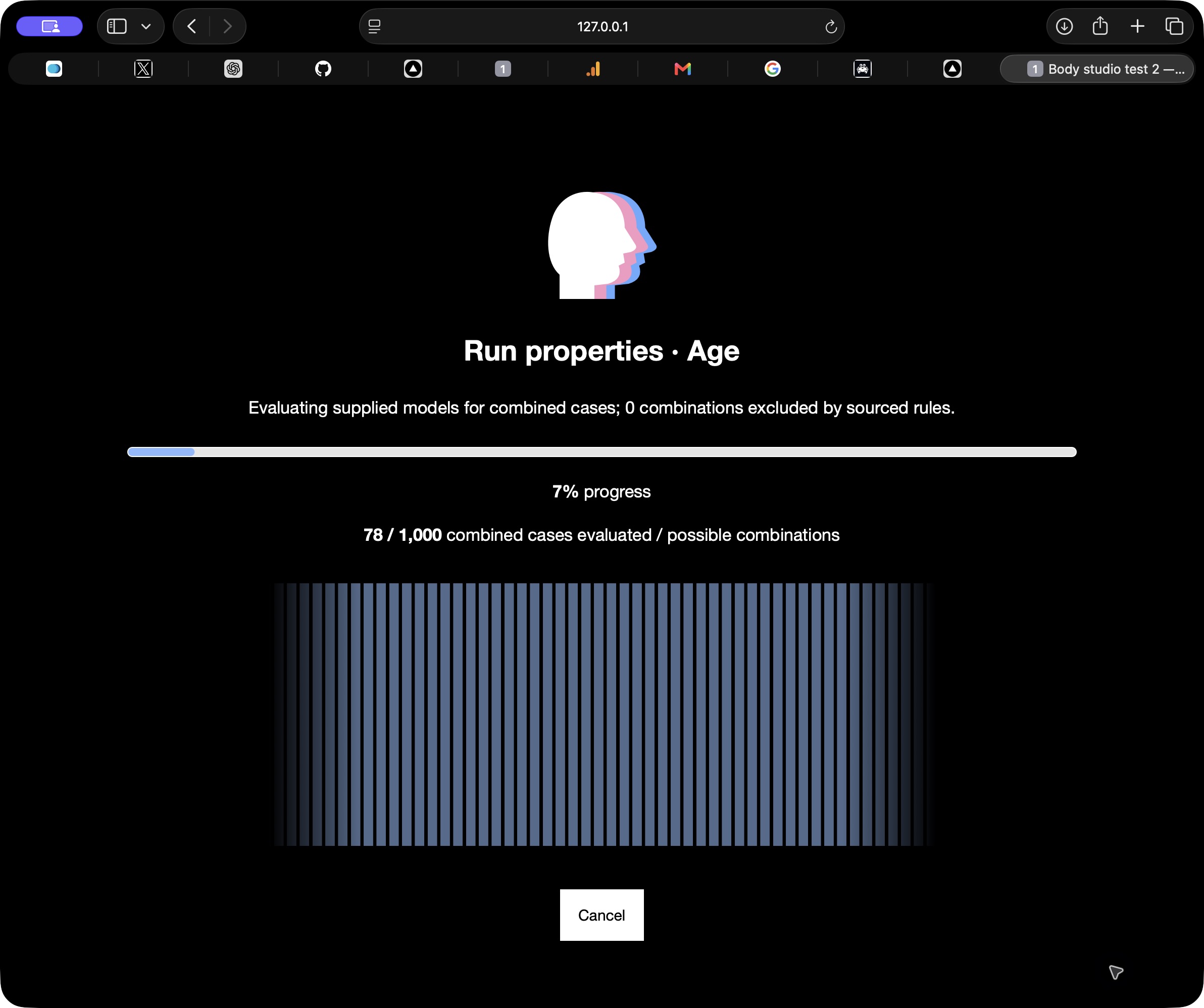
- Run properties · Vary sizes. Give each case its own supported sizes and values.
- Age · Follow size changes. Version 1 is planned to explore property-size evolution over five years.
Here, “aging” describes property-size evolution. Person age remains a separate input. This engine plan is proposed.
Explore Engine Version OneMeasure & model
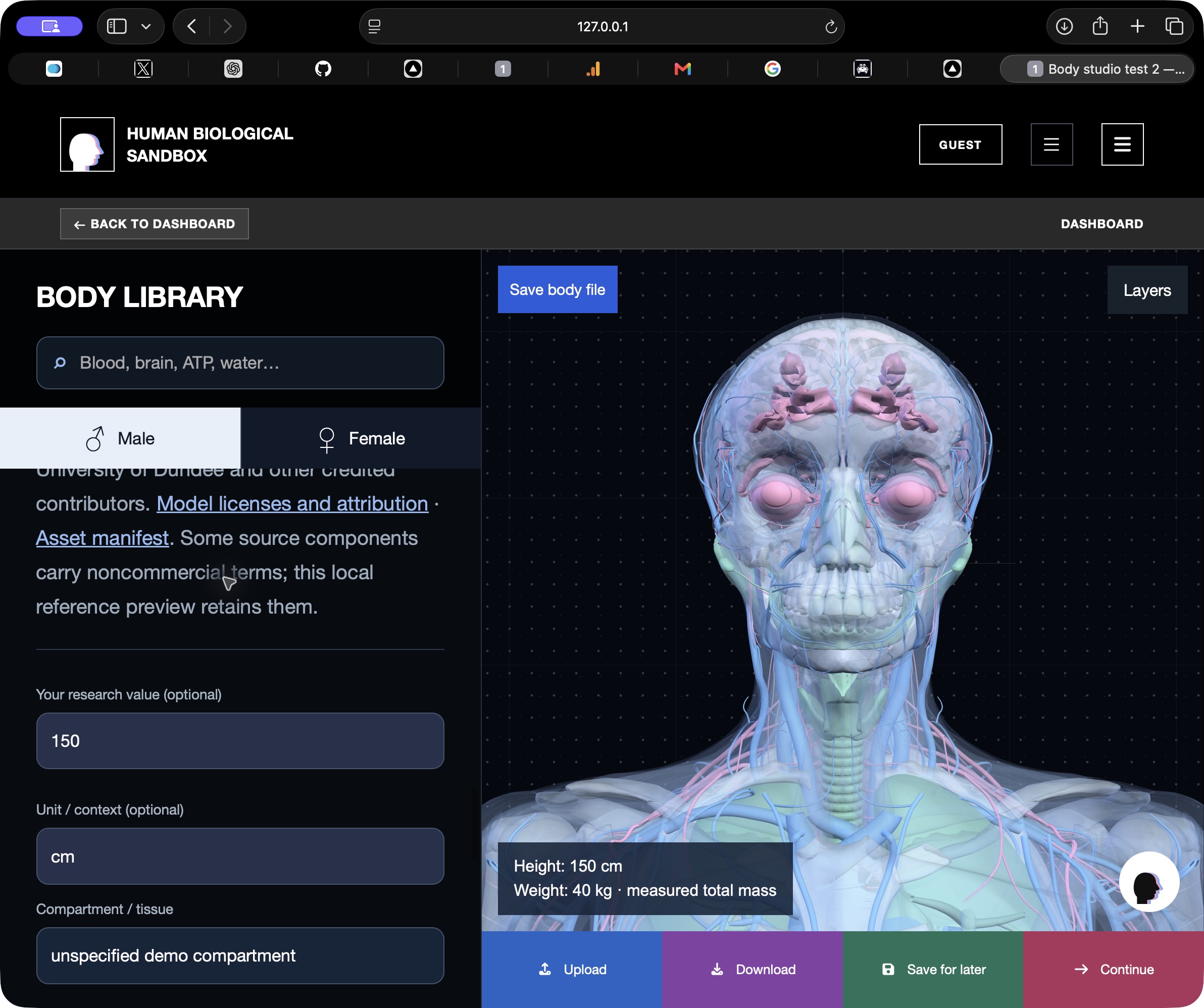
Enter age, weight, and height. Review the supported estimates and add any missing measurements.
Explore & record
Explore possible changes. Keep each review case with its inputs, calculations, and sources.
Validate & expand
Check the model against separate measurements and expert review. Then extend the sandbox to more cell types, tissues, and biological processes.
Baseline → futures
Start with a biological model
Trace the lineage
Follow the modeled sequence of change
Test hypotheses
Compare interventions inside the sandbox
Research articles
What we learned building the population engine: successful checks, failed attempts, and what comes next.
Read the overnight review →All articles →The idea is documented.
The work is beginning.
Read the project foundations, examine the assumptions, and explore what comes next.
AI-assisted analysis and centralized simulation tickets are proposed architecture components. Selected research models can run in the workspace; their results depend on the supplied inputs and model scope.
Research concept ↗Scientific scope & validation ↗System architecture ↗Simulation & lineage design ↗Development roadmap ↗
The GitHub research repository currently requires access.